

Bookmarks
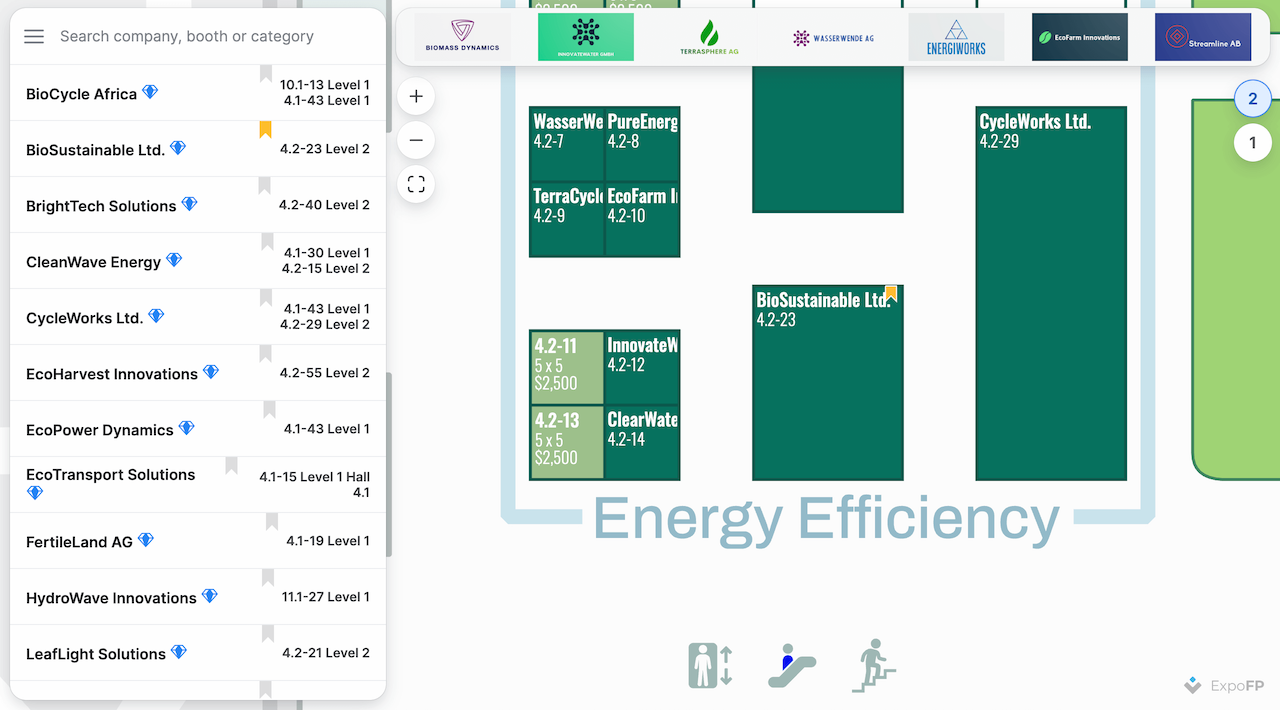
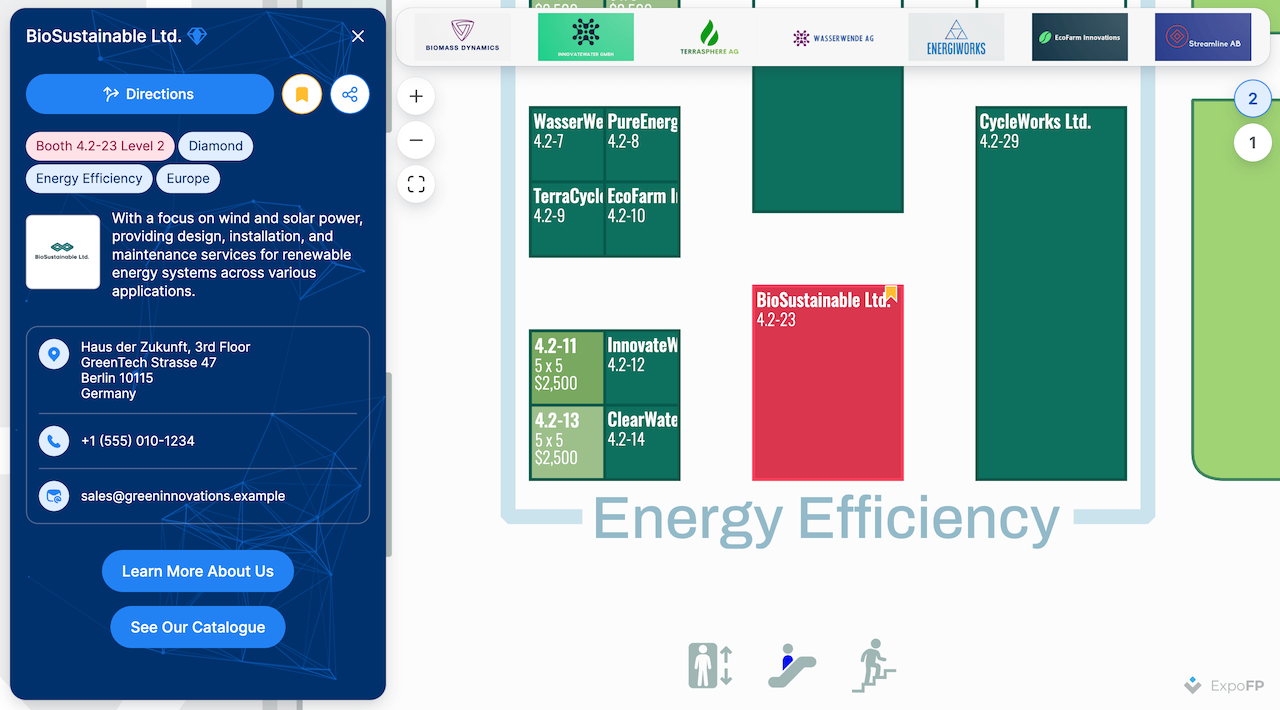
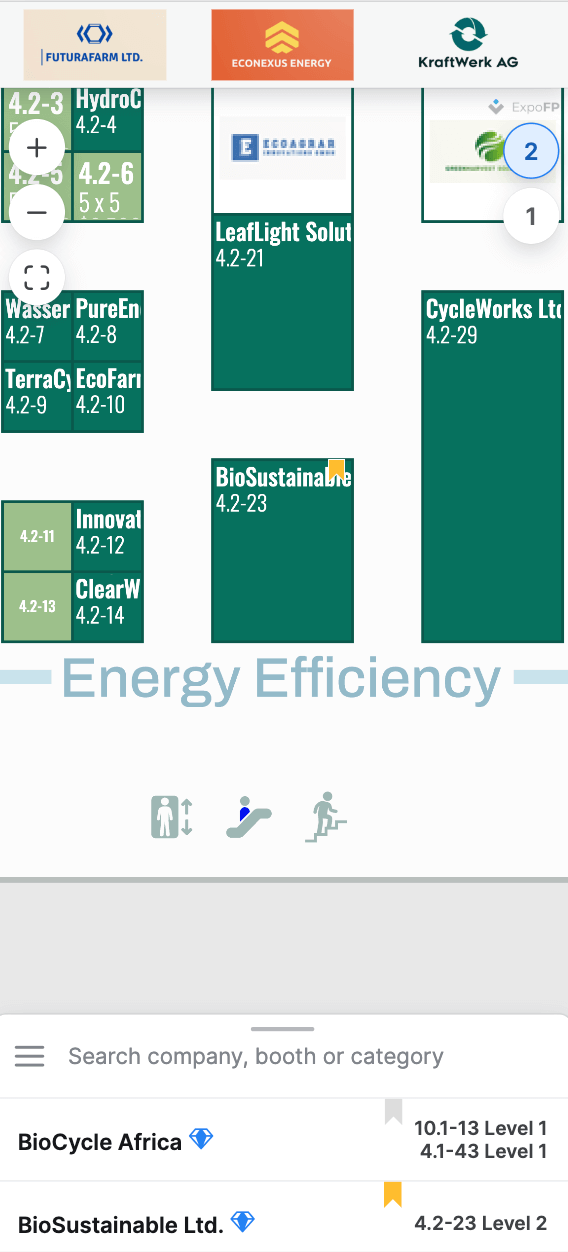
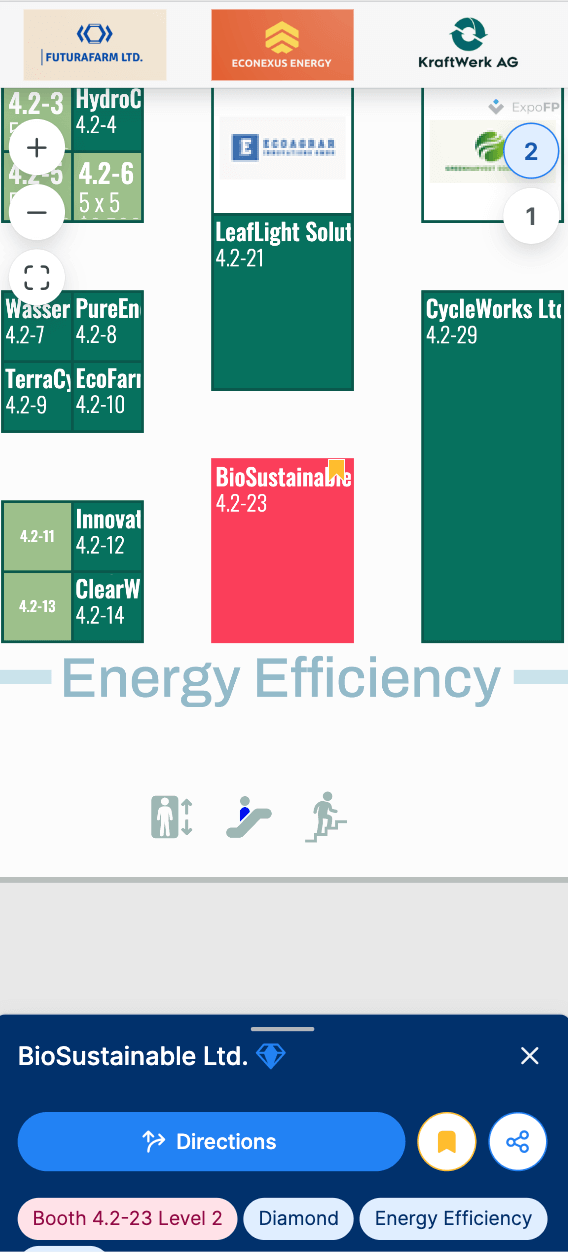
The app allows users to save items as bookmarks.
💡 Adding bookmarks is disabled in kiosk mode.
Bookmarking feature in the app interface
Desktop
Mobile
Bookmark management in the JS SDK
💡 See the JavaScript API Reference for details.
Adding and removing bookmarks
js
import { load } from 'https://unpkg.com/@expofp/floorplan';
load(
  { $ref: 'https://demo.expofp.com/manifest.json' },
  {
    element: document.querySelector('#floorplan'),
    onInit: (fp) => {
      // Save to bookmarks
      fp.setBookmarks([{ name: "Alaska Airlines", bookmarked: true }]);
      fp.setBookmarks([{ externalId: "bizx", bookmarked: true }]);
      // Remove from bookmarks
      fp.setBookmarks([{ name: "Alaska Airlines", bookmarked: false }]);
      fp.setBookmarks([{ externalId: "bizx", bookmarked: false }]);
    },
  },
);
Responding when the user toggles bookmarks
Use onBookmarkClick when you need analytics, sync to your backend, or custom UI—not for the initial bookmark list passed at startup (still use onInit + setBookmarks, as above).
js
import { load } from 'https://unpkg.com/@expofp/floorplan';
load(
  { $ref: 'https://demo.expofp.com/manifest.json' },
  {
    element: document.querySelector('#floorplan'),
    onBookmarkClick: (e) => {
      // ...
    },
  },
);
Bookmarks and the URL
?bookmarks opens the bookmarks list on load. The bookmarks themselves have no URL form — they stay on the device that made them.